Introduction
This post is for you if you want to build an internal code review tool for your team and don’t know where to start. Or if you’re just curious and want to understand how a tool like this works behind the scenes. I’m going to open up how Kody, our open source code review agent, works and explain everything we did to go from a 1% implementation rate to 70%, and process millions of lines of code.
Does AI Code Review make sense?
Ok, you already know that writing code basically became generating code. And this step got at least 10x faster. Sure, we can question the risks, the best way to do it, etc. But the fact is: most teams at least doubled the amount of code written or generated.
Is that good? Depends. Everyone knows that lines of code don’t imply more productivity. Still, it does have the potential to increase team speed.
So what changes between a team that turns this into real productivity and one that doesn’t? I’m going to use two DORA metrics here to try to find a good number so we have a baseline for productivity.
- Deploy Frequency: how often we’re shipping to production. If this increases, we increase touchpoints with users and, as a result, we have more chances to hit PMF.
- Change Failure Rate: how many defects and bugs we’re having in production. If we ramp up deployment speed but the number of bugs rises along with it, we clearly have a problem.
One simple way to combine these two metrics is to use a “shipping score” that automatically penalizes you when failure rate goes up:
Shipping Score = Deploy Frequency × (1 − Change Failure Rate)
Quick example: if you ship 20 deploys/week with a 10% change failure rate, your score is 20 × 0.9 = 18. If you jump to 30 deploys/week but your failure rate goes to 40%, your score becomes 30 × 0.6 = 18 too. So yeah, you “moved faster”, but the net value shipped is the same, just with more risk and more rework.
Quality is not a concern only because of AI. Actually, this is a VERY old problem. And it’s been getting amplified for several reasons. Among them:
- Team seniority: salaries got more expensive post pandemic, teams had to do more with less. Many “2-year seniors” showed up.
- Application complexity: what was a good product 5 years ago is not the same as a good product today. The bar is high.
- Application scale: we have way more users than a few years ago.
- Market demand: the market is more demanding and anxious, we need to deliver double in half the time.
- New abstraction layers (including AI): application layers keep popping up to simplify or increase productivity, including AI. This usually brings some problems along too.
So how did teams normally solve quality problems?
- Code Review:
- QA team:
- Automated tests:
- Lint tools
- SAST, SAT tools
These tools and ceremonies weren’t enough back when we had half of the code being produced, imagine now that we have double.
So yeah, why not put AI to solve this problem too?
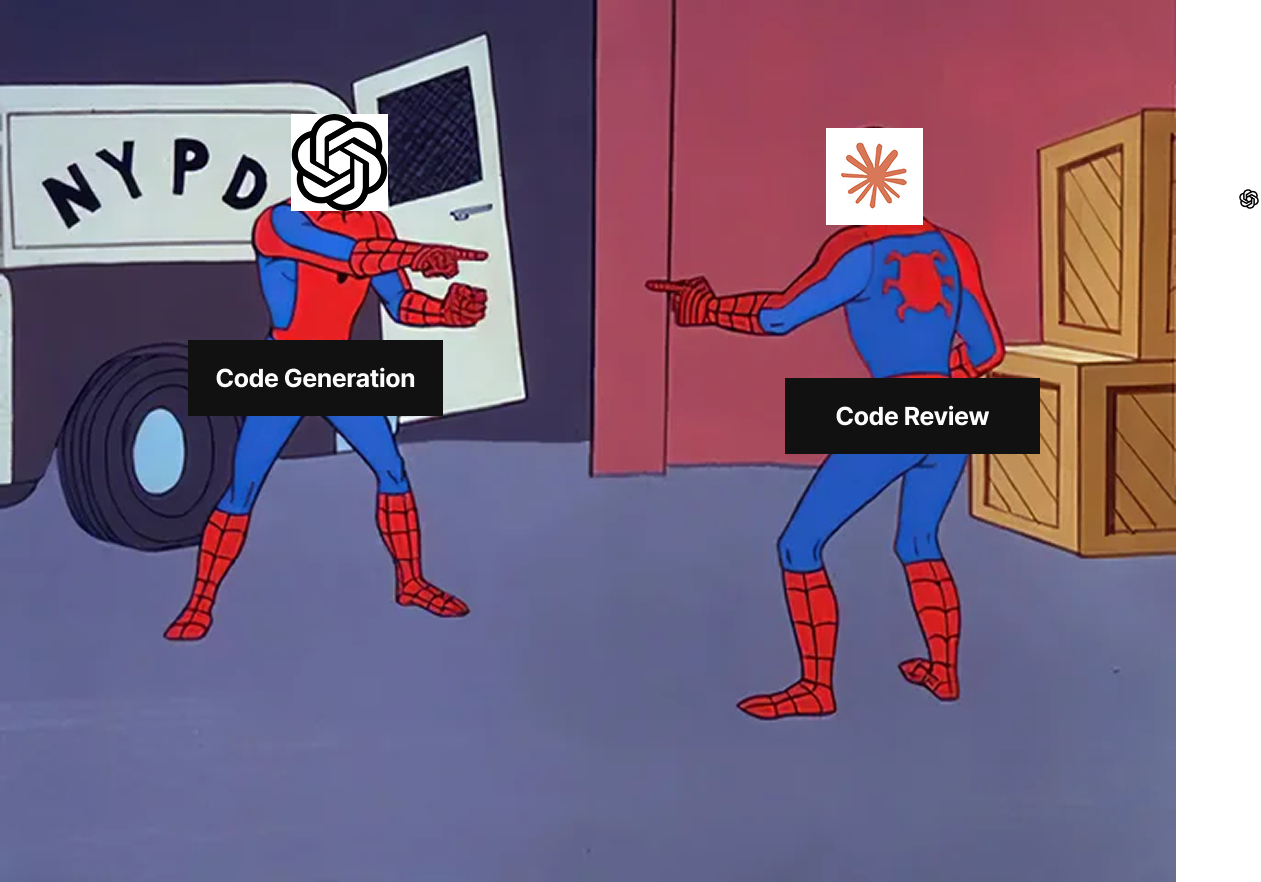
A lot of people get suspicious (with reason), because using LLMs to write code and using them to validate code sounds like everything will be “vibe mode”. And if AI isn’t good at writing code it won’t be good at validating it either. Right?
Yes and no. The LLM alone (agents, prompts, etc) really isn’t good at saying whether something has quality or not. But think about it: the LLM is only one part of this tool. Combined with ASTs, the right context, and good search tools, it can be a really good help to improve code quality.
It’s the same reason grep can be useless or insanely powerful. Grep on the entire repo with no filters is noise. Grep with the right scope, patterns, and context becomes an actual tool. LLMs are similar: the core model matters, but the pipeline matters more.
The point is: building an AI to generate code and to review code are very different. Even if the concept of Agent remains in both, the secret here is giving more tools (mainly deterministic ones) for the Agent to do a decent job.
If you only build a wrapper around the LLM, whether it’s a simple prompt or an agent loop, you’ll frustrate the team with quality. Trust me, that was Kody’s first version in Nov/2024 and the results were pretty bad.
Today Kody (our code review agent) processes millions of lines of code. And we managed to go from an average 1% implementation rate to 70% by doing this. The goal of this post is to teach you how.
Types of code review
Before designing architecture, it’s worth separating one thing that a lot of people mix up: IDE review and Git review don’t compete. They complement each other. The difference is timing and the level of guarantee each one delivers.
IDE code review (shift-left, instant feedback)
This is the review that happens while you’re coding. The goal here is not “validate everything” and not “block merge”. It’s to make the dev faster and reduce rework, catching problems before a PR even exists.
Where it fits in the pipeline:
- Before opening a PR: pre-checks and quick suggestions.
- During commit: simple validations, checklist, team pattern hints.
What makes sense to run in the IDE:
- Useful nitpicks (when they’re cheap and very obvious): imports, naming, repeated patterns, small fixes.
- Things contextual to the current file: “this function got too big”, “this block can be simplified”, “you forgot to handle this error”.
- Suggestions the dev can accept right away without debate.
The important point: in the IDE it’s optional and personal. If you depend on this to guarantee quality, you’ll be disappointed. Some people use it, some people ignore it.
Code review in Git (PR review, enforcement and traceability)
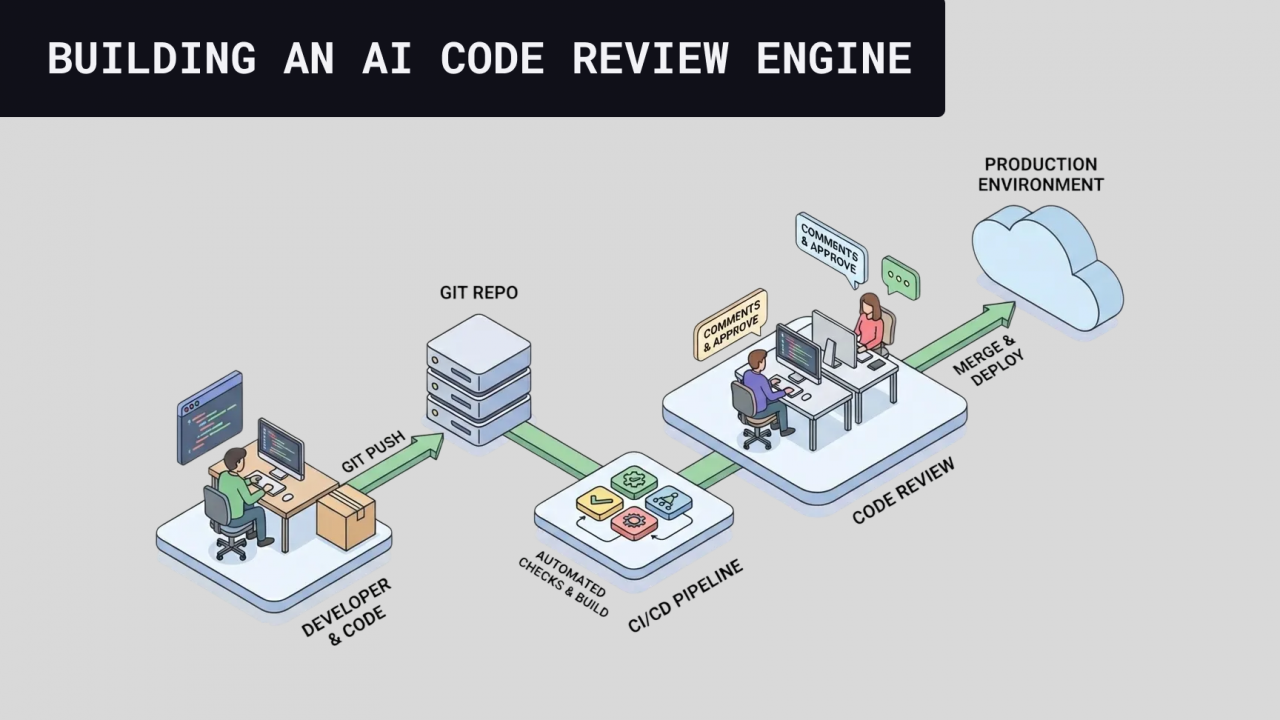
This is the review that happens in the official place: PR, CI, and merge gate. The objective changes a lot: ensure process consistency, team standard, and traceability. It’s where you put what must be true before merge.
Where it fits in the pipeline:
- After opening a PR: automated review runs on the diff, repo context, and team rules.
- Before merge: what’s critical becomes a “blocker” or at least a “serious alert”.
What makes sense to run in Git:
- Things that require team consensus: architecture standard, security practices, business rules and “can’t pass”.
- Anything that depends on PR context: interactions between files, side effects, API changes, migrations, risk.
- Anything you want to measure and improve: acceptance, false positives, “useful vs not useful”, response time.
And that’s exactly why, when you design the architecture, the right question isn’t “which one is better?”, it’s: what do I want to catch early and cheap (IDE) vs what do I need to guarantee before merge (Git).
Challenges / Things to watch out for
Noise
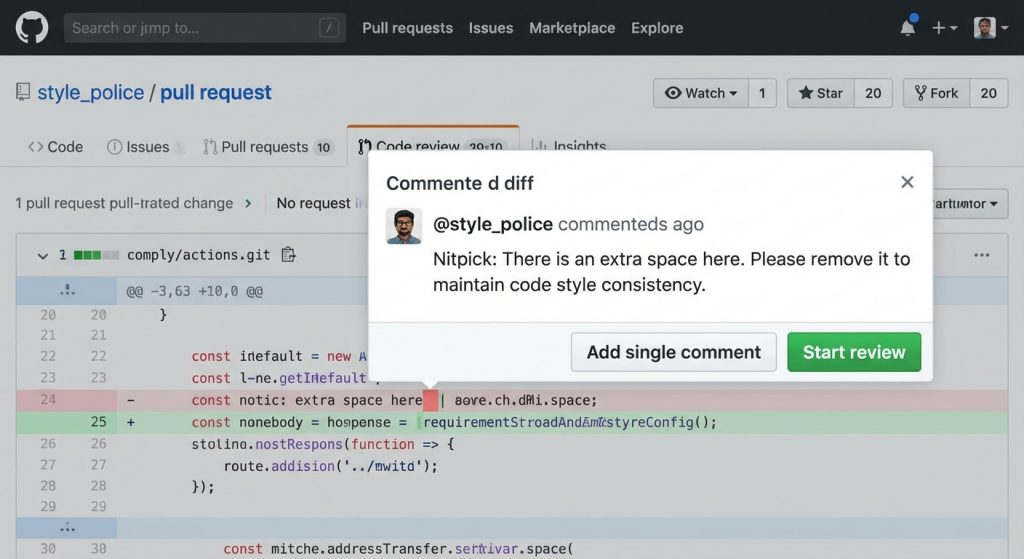
The biggest enemy of any devtool, especially tools that live in Git. Every alarm that rings all the time eventually gets ignored. Especially false positives. Here the issue isn’t even hallucination or major LLM mistakes. The problem is nitpick comments, the kind that technically make sense depending on the team’s moment, goals, context, etc. Our goal is to reduce these comment types as much as possible.
Cost
This problem is as big as any other company cost problem. If budget is a problem for you, pay attention to the techniques I’m going to share here, because to get to a good review result, a lot gets generated and discarded. So naturally it can become a problem if we use a model with expensive input and output.
Security / privacy
We’re dealing with one of the biggest assets a company has: its source code. We need to be very careful about which permissions we give per agent, how we isolate context, and how we handle information. The biggest issues can be: agent with too many permissions, integrations with MCPs, lack of environment isolation. /// think of more cases here.
Git API rate limits
All Git tools like GitHub, Bitbucket, Azure DevOps, and GitLab have pretty modest rate limits. We need to be careful when posting and fetching info so we don’t choke processes because of these limitations.
To keep it from getting too long, I’ll stop here. In the next part we’ll talk about the general architecture and each piece of it.