AI Fatigue for Developers: Managing Cognitive Overload from Code Assistants
 Edvaldo Freitas
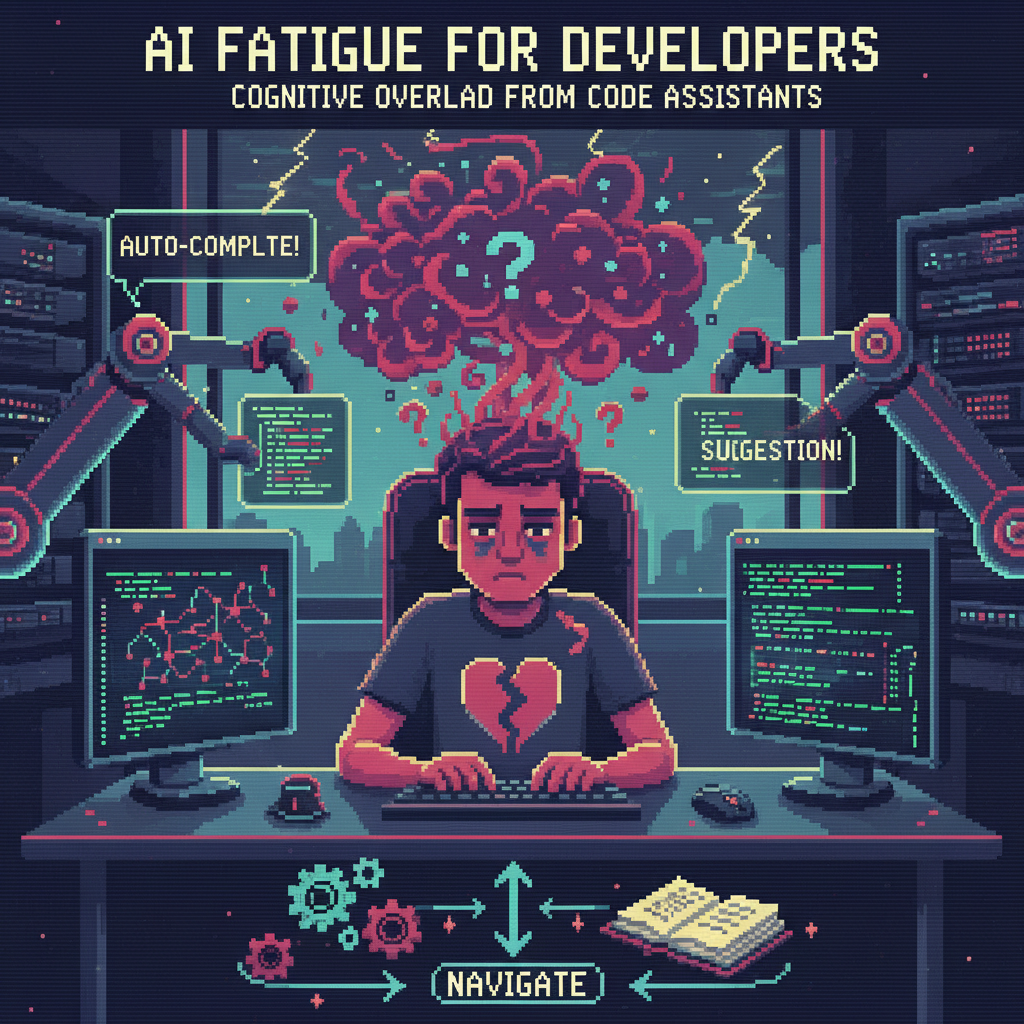
The constant stream of suggestions from AI code assistants is creating a new kind of mental tax. The problem isn’t prompt engineering or model accuracy. It’s a deeper issue of control and focus, leading to what some engineers are calling AI fatigue.
When your IDE is constantly suggesting entire blocks of code, your job changes from creating to validating. You become a full-time reviewer for a junior developer who never sleeps, never learns your project’s specific context, and never gets tired. This model of passive assistance has a real, non-obvious cost. It trades the focused effort of building for the scattered effort of auditing, which can compromise the system’s integrity and the deep thinking that good engineering requires.
The silent cost of constant suggestions
Code assistants see a local window of your code, but they have no architectural awareness. They can generate a function that correctly implements an algorithm, but they don’t know about the new data access pattern the team agreed to last month or the long-term plan to deprecate a library. The developer is left to catch these subtle, critical deviations.
Shifting the review burden to the engineer
Every AI suggestion is a tiny pull request. You have to stop, read the suggestion, parse its logic, check its correctness, and make sure it aligns with the project’s architecture. This is a real context switch that interrupts your train of thought.
When you write code from scratch, the logic flows from your mental model of the system. When you review an AI suggestion, you first have to reverse-engineer the AI’s logic and then map it back to your own. This validation cycle, repeated dozens or hundreds of times a day, fragments your attention. The cognitive load isn’t reduced, it’s just changed from a focused block of creative work into a scattered series of validation checks.
Why passive assistance erodes critical thinking
Deep work in software engineering requires holding a complex problem in your head. You build a mental model of how components interact, how data flows, and where things might fail. Constant suggestions from an AI assistant actively work against this. The stream of code snippets keeps your attention at the surface level, focused on the next few lines instead of the overall structure.
This continuous interruption prevents the sustained focus you need to see a better abstraction, question a requirement, or spot a potential performance bottleneck. The AI optimizes for local correctness, while an experienced engineer optimizes for the system’s global health. By offloading the “easy” parts, we risk losing the context that helps with the hard parts.
AI fatigue: A new source of engineering debt
The speed gains from AI assistants are immediate and easy to measure. The architectural drift and fuzzy ownership that come with them are not. This asymmetry creates a new, quiet form of engineering debt.
The subtle drift in code ownership
When you accept an AI suggestion, a small part of the code’s “why” is lost. The code is there and it works, but the reasoning behind its structure and the alternatives that were discarded exist only in the model’s latent space. You, the author, don’t have the same depth of ownership because you didn’t go through the process of creating it.
When it comes time to refactor or debug that code six months later, that lack of deep context is a liability. The team has a block of code that is technically sound but feels architecturally foreign. No one feels a strong sense of ownership, which makes it harder to evolve or fix.
When speed obscures architectural intent
An AI assistant will happily generate code that violates your team’s established patterns if it saw a different, more common pattern in its training data. It might use a direct database call where you’ve built a repository layer, or implement custom state logic in a component that should be using a centralized store.
These small deviations seem harmless by themselves. They get the immediate task done faster. Over time, they break down the architectural coherence. The system becomes a patchwork of different patterns, making it harder to understand, maintain, and test. The speed you gained on the first commit is paid back with interest during every future maintenance cycle.
Defining AI boundaries: A control-first approach
The answer isn’t to abandon these tools. We need to shift from passive, continuous assistance to explicit, on-demand use. The developer must be in control, deciding when and how to ask for help.
Explicit ways to use AI
Instead of a constant stream of suggestions, we can use AI for specific, high-value tasks.
- Scaffolding on demand. Use the AI for boilerplate. Ask it to generate a new gRPC service with stubs, a new component with a test file, or a CI/CD pipeline from a template. This is a one-shot generation task that saves setup time without interfering with the core logic.
- Generation from your patterns. For well-defined, repetitive tasks, show the AI examples of your own code. Give it a few existing data models and their repository classes, then ask it to generate a new repository for a new model. This constrains the AI to your project’s specific conventions.
- Help with refactoring. Use AI for mechanical changes on a selected block of code. Tasks like converting a `for` loop to a `map`, extracting a method, or changing a Promise chain to async/await are well-suited for automation. The scope is small and your intent is clear.
Team policies for code assistant output
To manage the code that comes from AI, teams need simple conventions. This is about managing risk and maintaining clarity.
- Flag AI-generated code in reviews. A simple comment like `// AI-generated, reviewed for correctness and style` or a pull request label tells the reviewer to apply a different kind of scrutiny. The focus should be less on syntax and more on architectural fit.
- Check for architectural compliance. The main job of a human reviewer for AI-assisted PRs is to be an architectural backstop. Does this code use the right data layer? Does it follow our error handling standards? Does it introduce dependencies we are trying to remove?
- Document AI use in pull requests. A brief note in the PR description about which parts were AI-generated helps build a history. If you start seeing bugs from AI-generated code, this data becomes useful for refining team policies.
Measuring AI’s impact on architecture and reliability
Productivity claims for AI often focus on lines of code or commit frequency. These metrics miss the point. The real measure of a tool’s effectiveness is its impact on our mental state, the system’s reliability, and its long-term maintainability.
Evaluating the real cognitive load
We need to measure the total effort, not just the time it takes to write the first draft.
- Compare time spent. For a given feature, track the full cycle time. Does the time saved in generation get eaten up by validation, debugging, and refactoring?
- Track bugs from AI code. When filing a bug, add a field to identify if the code was known to be AI-generated. Over time, you can see if there is a correlation between AI use and certain types of defects, especially subtle logic or integration bugs.
- Ask developers how they feel. Do they feel more focused or more fragmented? Do they feel like they are spending more or less time in a state of deep work? Anonymous surveys can provide honest feedback on the perceived mental cost.
Prioritizing deep work over suggestion streams
The goal of any developer tool should be to get out of the way so engineers can solve hard problems. AI assistants, in their current always-on form, often do the opposite. They pull your attention to the surface and encourage a reactive workflow.
By establishing clear boundaries and using AI for specific, targeted tasks, we can reclaim control. The goal is to make AI a tool you pick up for a job and then put down, not a constant presence that reshapes how you think. The most valuable work in engineering still happens during quiet, uninterrupted stretches of deep thought, and our tools should protect that focus.