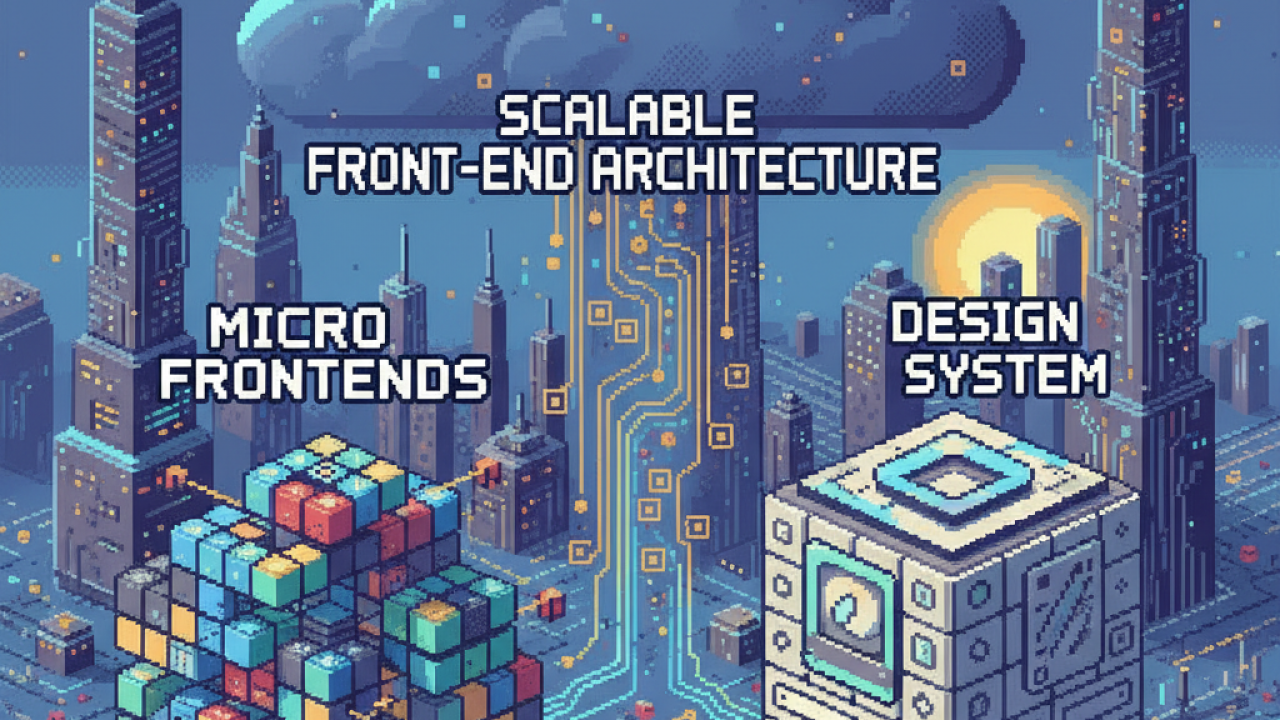
A front-end codebase with a few dozen developers working on it starts to show familiar signs of wear. Pull requests get larger and touch more files than you would expect. Code reviews slow down because reviewers need context from three different teams to approve a simple change. The CI pipeline becomes the main bottleneck for delivering anything, and a single revert can block everyone’s work. This is usually the point where the existing Front-End Architecture starts to feel like it is working against you, not in your favor.
Migrating to a monorepo can help manage shared dependencies, but it does not solve the fundamental problem of coupling. When the entire UI is a single deployment unit, the blast radius of any change is huge. A small bug on a settings page can take down the entire application. Worse: the user experience starts to become confusing. As teams work in parallel, they end up solving the same problems in different ways. You end up with three dropdowns with different behaviors, two patterns for form validation, and a general sense of inconsistency that makes the product feel less polished and harder to evolve.
Micro Frontends
Breaking up the front-end monolith is often the next logical step, but everything depends on how you define the boundaries. When the architecture reflects the structure of teams and business domains, each group can operate with more autonomy, building, testing, and deploying its part of the UI without depending on others.
When a single team is responsible for the entire user journey within a specific business capability, such as “user authentication” or “product search,” it can move much faster. It controls its own roadmap, its own dependencies, and its own release schedule. It can update a library or refactor its entire domain without needing a dozen meetings to get approval from all the other teams that might be impacted. This model pushes responsibility to the teams doing the work, which is where it should be.
Giving Teams Autonomy Through a Domain-Oriented Front-End Architecture
This approach follows the principles of Domain-Driven Design applied to the frontend. The idea is that UI boundaries should follow business boundaries. When the architecture reflects the organizational structure, coordination costs drop dramatically. If the “Checkout” team needs to make a change, it does not need to synchronize a release with the “Inventory Management” team. This decoupling is what allows development to scale without turning every change into a complex operation.
Using Design Systems to Scale the Frontend
Of course, giving full autonomy to each team also comes with risks. If each micro frontend evolves in isolation, the product quickly loses consistency. The interface starts to feel like a set of different systems glued together, rather than a single application. This hurts the user experience and slows down development, as teams start to recreate components and patterns that already exist elsewhere.
This is where a design system stops being “nice to have” and becomes essential. It provides a common foundation for all teams, with reusable components, interaction patterns, and consolidated visual decisions. This ensures interface consistency and prevents each team from solving the same problems from scratch. With a clear set of well-tested components, teams can focus on what really matters: solving business problems, not rebuilding buttons, modals, and forms for the hundredth time.
Maintaining Consistency with Distributed Teams
For a design system to work in this context, it needs to be treated as a real product. That means having a dedicated team, a clear roadmap, and a contribution model that allows other teams to participate in its evolution. It exists to serve the feature teams, and its success shows when those teams can build consistent interfaces without friction. By consuming the design system as a versioned package, each team can adopt updates at its own pace, balancing consistency with its release cycle.
Balancing Autonomy and Consistency in the Frontend
Micro frontends and design systems complement each other. One gives autonomy by splitting responsibilities across teams, the other ensures consistency by centralizing visual decisions and interaction patterns. When used together, they create an architecture that can scale without blocking development or fragmenting the user experience.
When It Makes Sense to Use Micro Frontends
Adopting micro frontends brings benefits, but it also adds complexity, so it should not be done without a clear reason. Decomposition only makes sense when it addresses real day-to-day problems. Before going down this path, observe whether some of these signals show up frequently in your development process:
- Deployment Contention: Multiple teams are frequently blocked, waiting their turn to merge and deploy into a single front-end application.
- Unclear Ownership: It is hard to determine which team owns a given part of the UI, which leads to code that nobody wants to touch or refactor.
- Slow Builds: The time required to build, run lint, and test the entire application is noticeably slowing down the feedback cycle for each developer.
- Cognitive Overload: New developers struggle to understand the codebase because it is too large and too interconnected.
If your main challenges are related to state management or component reuse within a single team, a micro frontend architecture may be overkill. Start with the problem you actually have.
How to Use Design Systems with Micro Frontends
Once you have independent frontends, applying the design system becomes a governance challenge. The most common approach is to publish the design system as a versioned npm package, so that each team consumes it as a dependency. This gives control over when to adopt a new version, preventing potentially breaking changes from blocking the development flow.
A central “platform” or “front-end foundation” team is usually responsible for maintaining the design system. They review contributions from other teams, manage releases, and provide support. This creates a clear process for evolving shared components, while ensuring they meet quality and accessibility standards.
How to Orchestrate Micro Frontends
You also need a way to bring all the pieces together into a single application for the user. A shell application is typically responsible for rendering common elements, such as the header and navigation, and then loading the appropriate micro frontend based on the URL route.
There are different ways to handle this integration. Build-time composition is simpler, but it couples the release cycles of the shell and the micro frontends. Runtime integration, often using tools like Webpack Module Federation, gives teams more independence, but also introduces new challenges. You now have to deal with issues such as shared dependencies, state management, and coordination between different parts of the application. In addition, cross-cutting concerns emerge that need to be well addressed, such as authentication, routing across micro frontends, and sharing global state, without creating couplings that are hard to maintain.
How to Build a Scalable and Sustainable Front-End Architecture
Following this path requires a few clear principles. They have less to do with choosing specific technologies and more to do with the mindset required to make a distributed frontend work well in the long run.
Align micro frontend boundaries with business areas. The architecture needs to reflect how teams work. When it does not, you only trade technical problems for coordination problems between people.
Establish the Design System as a real product, not a detail. It needs dedicated owners, a roadmap, and clear SLAs. It is the main internal product that enables all your other front-end teams to succeed.
Prioritize operational maturity for each independent frontend. Each micro frontend is an independent application. It requires its own CI/CD pipeline, monitoring, alerts, and a clear on-call owner. This responsibility cannot be an afterthought.
Promote a culture of collaboration and shared responsibility. The goal is team autonomy, not isolation. Create spaces like guilds or office hours so developers can share best practices, discuss concerns, and contribute back to the design system.
Start with a clear problem, not just a technology trend. Do not adopt a complex architecture because it is fashionable. First identify your specific bottlenecks. Is it deployment speed? Codebase complexity? Unclear ownership? Make sure the chosen solution directly addresses the pain you feel today.