9 Open Source AI Tools Developers Should Know in 2026
 Edvaldo Freitas

I’ve seen a lot of developers looking for good open-source AI tools. It makes sense. We want to understand how things work under the hood, control our own setup, and keep code away from third-party services. There are several options out there, and it is not always clear which tool solves which problem.
In this article, I’ll cover a few options that can be integrated into your workflow, helping with everything from writing code to automating day-to-day tasks.
Quick comparison
| Tool | Repository | Main use |
|---|---|---|
| Kodus | github.com/kodustech/kodus-ai | AI code review |
| PR-Agent | github.com/qodo-ai/pr-agent | PR descriptions, reviews, and suggestions |
| Cline | github.com/cline/cline | AI coding agent |
| OpenCode | github.com/sst/opencode | Terminal coding agent |
| Aider | github.com/Aider-AI/aider | AI pair programming |
| OpenHands | github.com/OpenHands/OpenHands | Agent-based software development |
| Continue | github.com/continuedev/continue | AI coding assistant |
| Tabby | github.com/TabbyML/tabby | Self-hosted code autocomplete |
| Void | github.com/voideditor/void | Open-source AI code editor |
Open-source AI tools for code review
Kodus
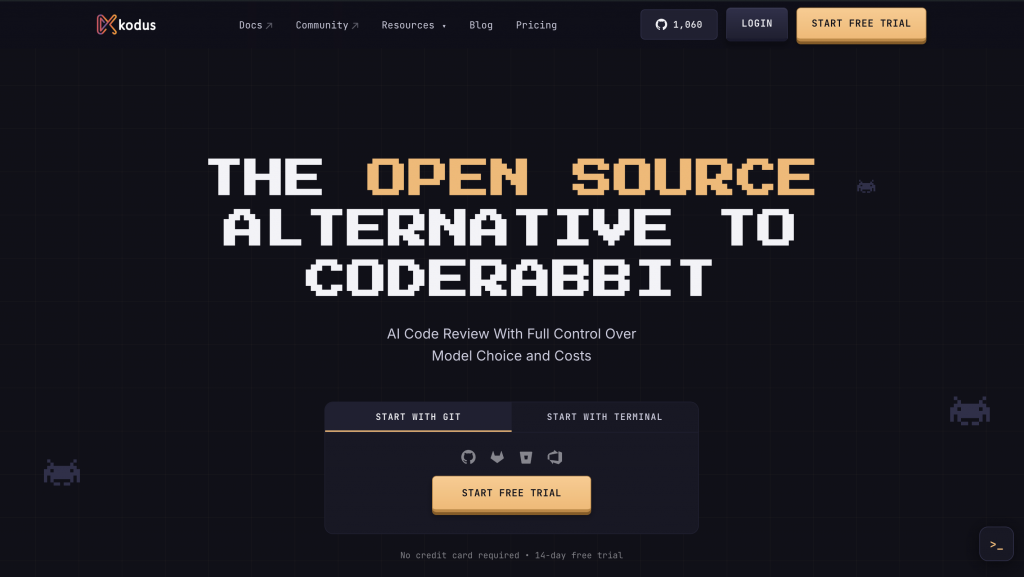
Kodus is an open-source AI code review tool for teams that want to review pull requests more consistently without taking developers out of the Git workflow. The idea is simple: instead of using AI only to write code faster, Kodus steps in when the change has already become a PR and needs to be reviewed before merge.
The review happens through Kody, Kodus’ AI agent. She reads the pull request, analyzes the changed files, considers the repository context, applies the rules configured by the team, and publishes suggestions directly in the diff. The review can run automatically when a PR is opened or updated, and it can also be triggered manually.
The strong point is how it can learn from the existing codebase and from your team’s review conventions. It does not look only for generic errors. Instead, it brings feedback on logic, security, and performance that makes sense within the specific patterns of your project. It is also possible to define custom rules in natural language, helping the team maintain certain standards.
Features:
| Feature | Benefit |
|---|---|
| Model flexibility | Teams can use BYOK and OpenAI-compatible providers when they need more control over cost or model choice. |
| Repository context | Kodus uses codebase context to make comments feel less disconnected from how the project already works. |
| Kody Rules | Teams can write review instructions in plain language and apply them by organization, repository, path, or review scope. |
| Severity filter | Teams can filter suggestions by severity, from low to critical, instead of showing every possible comment. |
| PR summaries | Kodus can generate or replace PR descriptions based on the current changes. |
| Extra review context | The PR author can point to tickets, stack traces, routes, API contract files, repository files, feature flags, and MCP tool outputs. |
Kodus makes sense for teams that want more control over review quality. It helps standardize good practices, apply project rules directly in the PR, and speed up checks that usually depend on the same reviewers every time.
PR-Agent

PR-Agent is an open-source project for pull request automation. It started inside Qodo, but today its own README presents it as a legacy project maintained by the community, separate from Qodo’s current offering.
Features:
| Feature | Description |
|---|---|
| Describe | generates a pull request description and summary from the diff. |
| Review | runs an automatic review with comments and notes about the change. |
| Improve | suggests specific improvements to the changed code. |
| File-based configuration | the behavior can be adjusted through project configuration. |
Before adopting it in a team, it is worth looking at the current state of the project, how often it is maintained, and what the difference is between this community repository and Qodo’s current products. Even so, it still works as a good reference for open-source PR automation, especially for those who want to test simple review and description commands without starting directly with a more complete platform.
Open-source AI coding agents
Cline
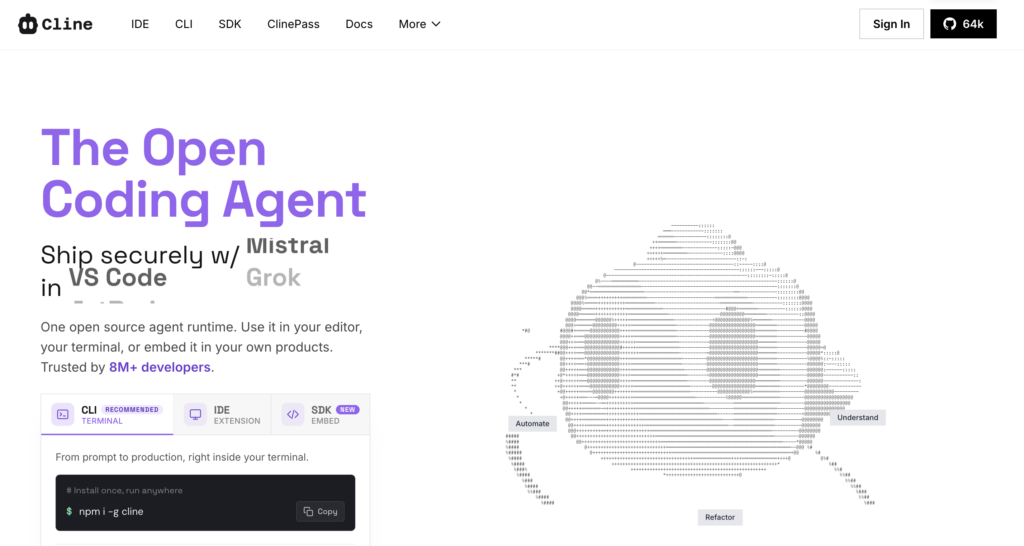
Cline is an open-source coding agent for VS Code. It can read files, edit code, run commands in the terminal, and use browser actions when a task requires more than a simple autocomplete suggestion.
Developers usually turn to Cline when they want an agent inside the editor, close to the project files. Instead of asking for a snippet and applying it manually, the dev can give Cline a task and inspect the proposed changes.
Features:
| Feature | Description |
|---|---|
| File editing | Can create and modify files |
| Terminal access | Runs commands with approval |
| Project context | Reads relevant files before acting |
| Plan and execute | Breaks tasks into steps |
| Model choice | Support for multiple providers |
Cline makes sense for devs who want to use an agent directly in VS Code, without leaving the editor. It can help with tasks larger than autocomplete, such as changing files, running commands, and organizing a change into steps. The care point is that this type of tool should not be accepted automatically: since it can modify files and execute actions, the ideal path is to review the diff carefully before moving forward.
OpenCode
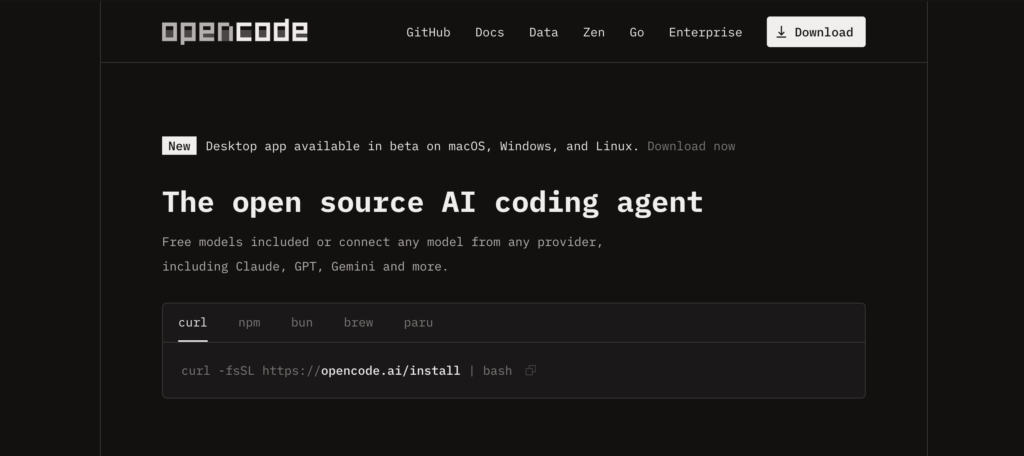
OpenCode is an open-source coding agent built for the terminal. It gives developers an AI workflow without moving the whole process into an IDE extension.
OpenCode is a good option for those who prefer a workflow closer to the terminal. It does not try to turn everything into an IDE experience. The idea is to let the agent work alongside the environment many devs already use day to day: command line, Git, and their own editor.
Features:
| Feature | Description |
|---|---|
| Terminal-first workflow | Used directly from the command line |
| Context-aware edits | Inspects and modifies files |
| Provider flexibility | Connects different models |
| Multi-file changes | Works on complex tasks |
OpenCode is a good option for devs who prefer working from the terminal. It fits well into CLI- and Git-based workflows, without depending on an IDE-centered experience.
Aider
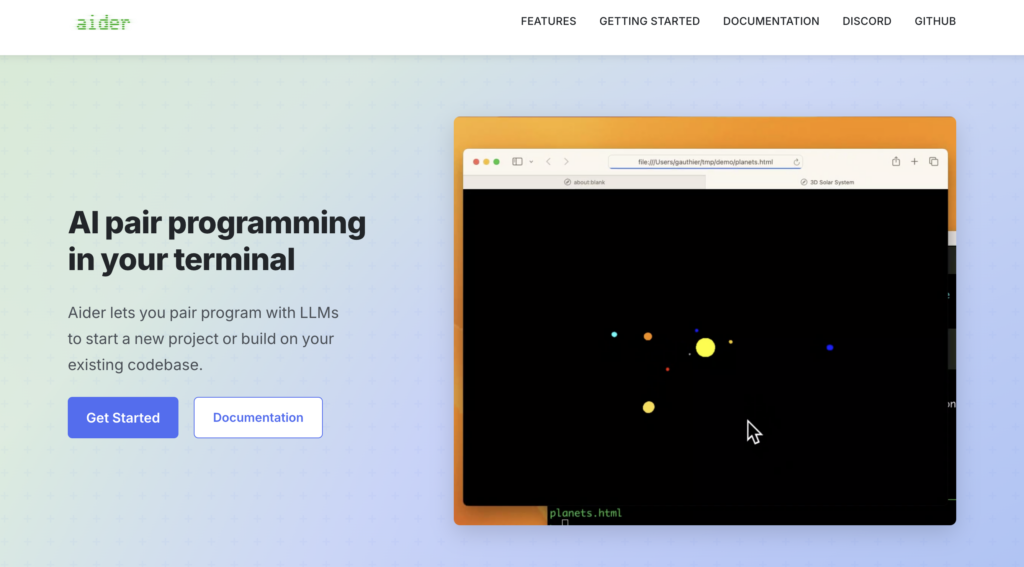
Aider is an AI pair programming tool for the terminal. It works with Git, reads repository files, edits code, and lets the developer review changes through normal diffs.
The Git-centered flow is what makes Aider practical. The developer asks for a change, Aider edits the files, and the result can be inspected like any other code change. This keeps the AI output inside a reviewable process.
Features:
| Feature | Description |
|---|---|
| Git integration | Works directly in the repository |
| Multi-file editing | Updates related files |
| Diff-based review | Allows detailed inspection |
| Model flexibility | Support for multiple LLMs |
Aider works well for devs who prefer working from the terminal and want to see changes directly in the diff, instead of receiving loose snippets to copy and paste. It helps create real patches in the repository, but still requires careful review before accepting any change.
OpenHands
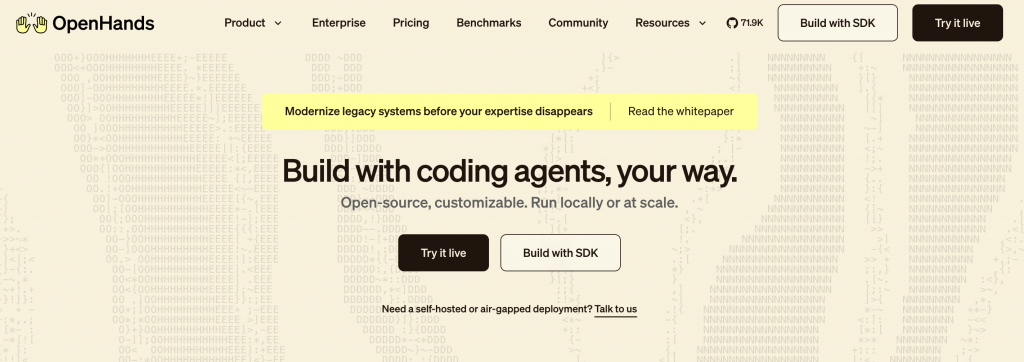
OpenHands is an open-source platform for AI software agents. It gives agents a workspace where they can inspect files, run commands, and work on engineering tasks.
OpenHands goes beyond autocomplete or chat. The idea is to give the agent a task, let it analyze the repository, run commands, and try to reach a solution. This can help with things like investigating issues, drafting fixes, creating tests, or automating repetitive parts of implementation.
Features:
| Feature | Description |
|---|---|
| Agent workspace | Isolated environment for execution |
| Task execution | Works through multiple steps |
| Human review loop | Allows inspection before use |
| Open-source deployment | Adaptable to the team’s workflow |
OpenHands makes more sense for testing agents on larger tasks, not for small day-to-day assistance. Before using it in real repositories, the team needs to clearly define what the agent can access, which commands it can run, and how changes will be reviewed before merge.
Open-source AI tools inside the IDE
Continue
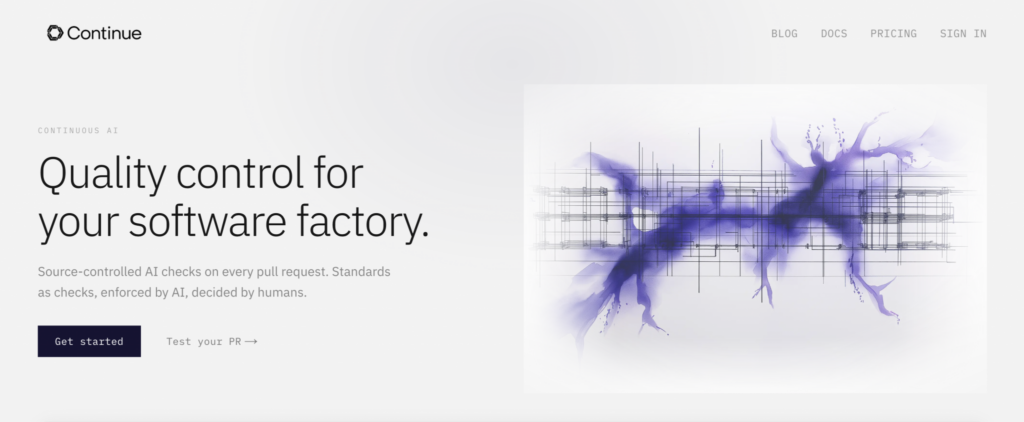
Continue is an open-source AI coding assistant that works across IDE and CLI workflows. Developers can use it to ask questions about code, edit files, and connect different models.
Continue is useful for teams that want to use AI directly in the editor, but without being locked into a single model provider. Depending on the setup, it can work with local or cloud models, which gives more flexibility to adapt the tool to the team’s flow.
Features:
| Feature | Description |
|---|---|
| IDE assistance | Questions and edits in the editor |
| Custom setup | Connects different models |
| Project context | Uses repository files |
| Reusable workflows | Defines repeatable commands |
Continue is ideal for teams that want AI assistance inside the editor, especially when provider choice and workflow customization are important.
Tabby
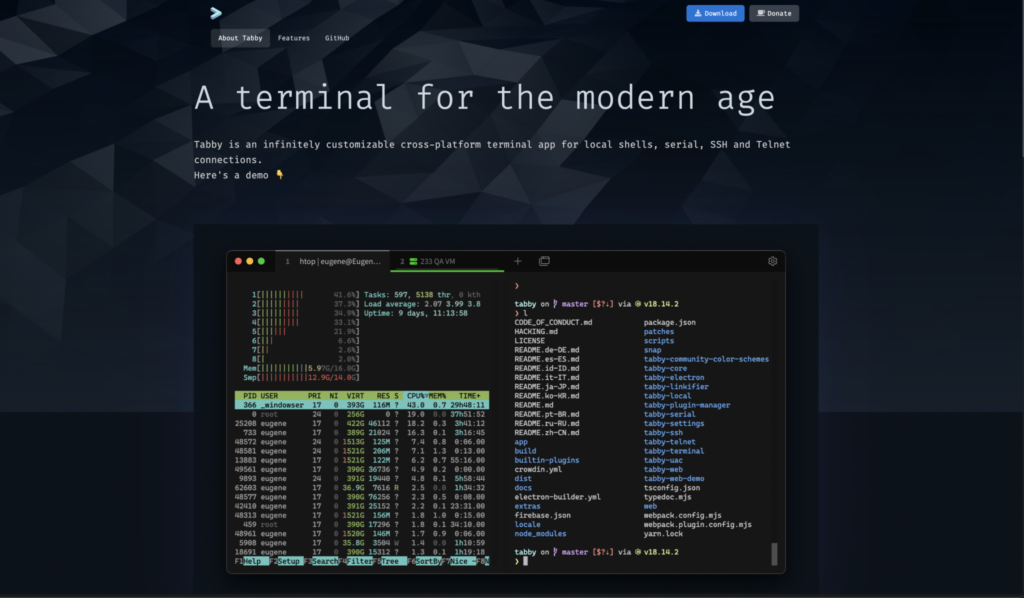
Tabby is an open-source, self-hosted AI coding assistant focused on code autocomplete. It is often compared to Copilot-style autocomplete tools, but with more control over deployment.
Tabby makes sense when the team wants AI autocomplete inside the IDE, but prefers to keep more control over where the tool runs. This can be important for privacy, cost, or internal infrastructure requirements.
Features:
| Feature | Description |
|---|---|
| Code autocomplete | Suggests code in real time |
| Self-hosted deployment | Runs in your own environment |
| IDE integrations | Compatible with common editors |
| Repository context | Configuration based on the codebase |
Tabby has a clearer scope: code autocomplete. It does not try to cover large tasks with agents, which makes it easier to understand and fit into the normal IDE flow.
Void
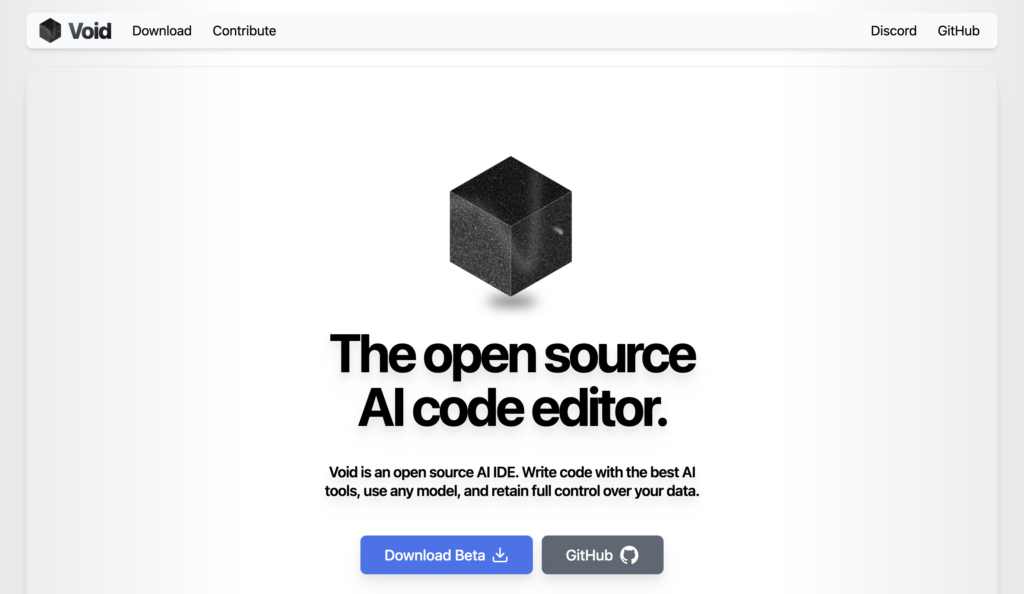
Void is an open-source AI code editor created as an alternative to Cursor. It brings AI features into the editor experience, so the dev can talk to the code, ask for changes, and work with the project context in the same place.
Void makes sense for those who want to test an editor experience designed for AI from the start. Instead of using an IDE, a chat, and an agent in separate tools, the dev can work with the code and ask AI for help in the same environment.
Features:
| Feature | Description |
|---|---|
| AI agents in the codebase | Agents can work on the project opened in the editor. |
| Checkpoints | The dev can track and roll back changes made during the AI flow. |
| Diffs during editing | Changes can be viewed while code is being generated or modified. |
| Support for multiple models | The editor was designed to allow different providers and models. |
| FIM autocomplete | The provider architecture includes support for fill-in-the-middle to complete code in the context of the file. |
Before standardizing Void across the team, I recommend checking whether the project is still active, with recent releases and good maintenance. It is interesting for exploring open-source AI editors, but adoption depends on how the project is evolving.
A practical stack for a development team
The team does not need to adopt all of these tools at the same time. A more realistic setup could start with Tabby or Continue for day-to-day coding support, use Aider or OpenCode for changes through the terminal, and keep Kodus in the review step, reviewing pull requests before merge.
If the team wants to go further, it can test Cline or OpenHands for agent-based tasks. But review remains essential: the more code AI helps generate, the more important it is to carefully review what reaches the PR.