Platform Engineering metrics: what to track in your first 90 days
 Edvaldo Freitas
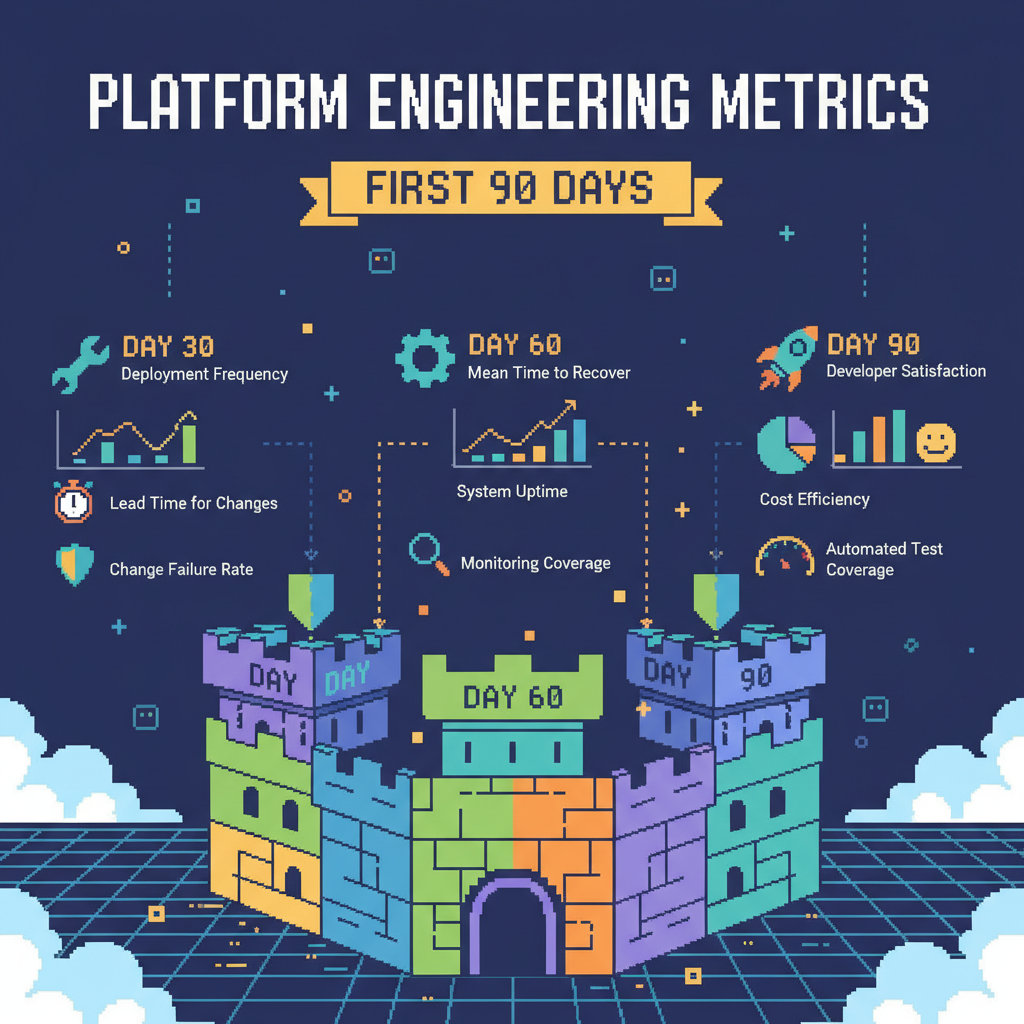
New platform teams often get their first metrics wrong. They build dashboards with things like CPU usage, memory, and number of pods, and then don’t understand why no one pays attention. These numbers show how the infrastructure is behaving, but they say nothing about the day-to-day impact on developers. Without connecting platform work to team productivity, it becomes hard to justify a new hire or project. In the first 90 days, metrics need to look directly at the developer experience.
Your first goal is to prove you improve the developer’s workflow. Proving the platform is stable can wait. If you can’t show a clear, positive effect on how developers build and ship code, you lose their trust, and adoption stalls before it even begins.
Focus on developer flow, not infrastructure health
It’s tempting to start with metrics that are easy to collect from infrastructure. A monitoring agent can report resource usage, but it can’t tell you if a developer spent half the day trying to get a YAML file to work just to spin up a test environment.
Your initial metrics need to follow the developer’s path, from idea to production. That’s where problems show up, and where the platform can help fastest. When you measure and improve that flow, trust follows. When people see you removing everyday blockers, they start using what you build and bring more requests directly to the platform team.
Core platform engineering metrics
To show value quickly, you need to measure what the team actually feels day to day. Not everything is as straightforward as server uptime, and early on you might need to collect data manually or run surveys. That’s fine. A simpler metric, even with manual collection, is more useful than a precise number that leads to no action.
Developer experience and flow metrics
This category is about speed and effort. How long does it take for a developer’s work to become something useful? How much time is wasted on tasks that don’t move the product forward?
- Lead time for changes. This is a classic DORA metric for a reason. Measure how long it takes from a commit reaching the main branch to that code running in production. Early on, you can pull this from timestamps in your version control system and the API of your CI/CD tool. When this number is high, something is usually blocking the flow: slow tests, a manual approval step, or deploy scripts that fail often. These are good targets for the platform team. The goal is to find where the biggest delay is and simplify or automate that part.
- Time spent on platform operational tasks. This is the time developers lose on things outside the code. It includes setting up local environments, debugging CI pipelines, manually requesting cloud resources, or trying to understand internal processes just to get a deploy done. This is hard to measure automatically, so start by talking to people. A simple survey asking how many hours per week they lose to this is already useful. Once you have a baseline, you can, for example, build a self-service database tool or a standard dev container. Then measure again and show the real drop in wasted time.
- Qualitative developer feedback. Numbers don’t tell the whole story. Create short, frequent conversations with people using the platform. Ask “what blocked you the most this week?” or “what took longer than it should have?”. Write it down. This isn’t a formal metric, but it gives context to the other data and helps decide what to tackle first. If multiple teams complain about the same slow pipeline, you already know where to start.
Adoção e uso da plataforma
These metrics show whether anyone is actually using what you built. Low adoption usually means you didn’t solve a real problem or the tool is hard to use.
- Number of services using platform components. Track how many applications or services use your CI/CD templates, logging library, or a new deploy pipeline. A simple number already helps. If you have 200 services and only three adopted your solution after a month, something is off. The next step is to talk to the teams that didn’t adopt it. Is the documentation unclear? Is migration too much work? Does it not fit their use case?
- Usage frequency of self-service tools. If you built a tool to provision infrastructure, measure how often it’s used, whether through API calls or CLI runs. If usage is low, maybe no one knows it exists. Or maybe the manual process, even if bad, still feels simpler. Your job is to improve usability or make the tool more visible with demos and better documentation.
Platform reliability from the developer’s point of view
Uptime metrics matter, but they need to be seen from the user’s perspective. It doesn’t help if the Kubernetes control plane has 99.99% uptime if your CI/CD system is down every other day.
- Availability of core developer services. Developers depend on a few systems to work: version control, artifact repositories, CI/CD runners, and task management tools. Measure the uptime of these services. When one of them goes down, the whole company’s productivity stops. Incidents in these systems should be top priority.
- Frequency of incidents affecting development flow. How often are developers blocked by platform issues? It could be a failed deploy because a shared library wasn’t published correctly or lack of access to a staging environment. Track these separately from production incidents. Each one directly impacts productivity and breaks trust. The main goal is to reduce this number.
- Time to resolve platform issues. When someone gets blocked, how long does it take to unblock them? This is the MTTR for internal issues. When this is high, it usually means there’s a lack of visibility into what’s happening, missing alerts, or unclear documentation on how to investigate and fix problems.
Building your first metrics dashboard
You don’t need a complex tool on day one. A simple, shareable dashboard is enough.
Start by identifying your data sources, which will likely be CI/CD logs, version control APIs, and incident management tools. For qualitative feedback, a wiki or shared document works fine.
You need to define a baseline for each metric before you start. You can’t show improvement without knowing the starting point. So run your scripts and surveys to capture how things are before any major platform changes.
Then visualize the data. A simple trend over time is enough. The goal is to make your impact visible to developers, managers, and leadership.
Using metrics to guide platform evolution
These early metrics aren’t permanent. They guide the work while you’re still building trust and traction.
Review the data with teams regularly. Ask if the numbers reflect reality. If the metrics show improvement but the team is still frustrated, you’re measuring the wrong thing.
Use the data to prioritize your backlog. If the recurring issue is a slow local environment, but your metrics show low adoption of an observability tool, fix the developer experience first. Gaps in the metrics show where the biggest pain points are.
As the platform evolves, the metrics will evolve too. You can start including cost, security, and operational stability. But you only earn the right to focus on those after you’ve proven value to the developers you serve.