8 Best AI Code Review Tools for Enterprise Teams (2026)
 Edvaldo Freitas

Code review gets harder as engineering teams grow. More developers end up touching the same codebase, and pull requests start spanning multiple services. Senior engineers spend more time reviewing changes and less time on architecture or harder problems.
AI code review tools help with that: they read a pull request and flag likely bugs before it merges. But not all of them were built to handle the challenges of a large engineering organization.
A tool that works well on a small GitHub repository can struggle once a company has hundreds of developers, multiple Git providers, internal coding standards, and strict security requirements.
For enterprise teams, the choice involves more than finding bugs. The tool needs to understand the codebase, enforce engineering standards, integrate with existing workflows, and give the organization control over its source code and AI infrastructure.
In this guide, we compare eight AI code review tools worth considering in enterprise environments, including their strengths, limitations, deployment options, and the types of teams they fit best.
TL;DR
- The best AI code review tools for enterprises include Kodus, CodeRabbit, Qodo, Greptile, GitHub Copilot Code Review, SonarQube with Gitar, Cursor Bugbot, and Cubic. Each one fits different governance and security needs.
- Kodus is one of the most complete options for teams that need control and flexibility. It’s open source, with self-hosting, BYOK, and rules scoped at the organization, repository, or directory level, across multiple Git platforms.
- CodeRabbit, Cursor Bugbot, and Cubic prioritize automating pull request reviews, while Qodo and Greptile focus on codebase context and cross-repository dependencies.
- GitHub Copilot Code Review fits companies already on GitHub, while SonarQube with Gitar pairs static analysis and quality gates with AI-based review.
- Picking an enterprise tool means looking past bug count: false positives, engineering rules, source code security, Git integrations, and cost as review volume grows all matter.
What are the best AI Code Review tools for enterprise teams?
The tools on this list solve similar problems in different ways. Some focus on the pull request experience itself. Others bring in cross-repository context, or give teams more control over rules, models, and infrastructure.
| Tool | Best for | Governance | Multi-Git | Deployment |
|---|---|---|---|---|
| Kodus | Companies reviewing AI-generated code that need governance, privacy, and control over infrastructure and AI models | SSO, RBAC, audit logs and analytics, SOC 2 (Enterprise) | GitHub, GitLab, Bitbucket, Azure DevOps, Forgejo | Cloud or self-hosted |
| CodeRabbit | Teams that want to automate pull request reviews and cut manual work | Custom RBAC, SSO and audit logs, multi-org administration (Enterprise) | GitHub, GitLab, Bitbucket, Azure DevOps, including self-managed versions | Cloud; self-host and custom deployment on Enterprise |
| Qodo | Large organizations that need to standardize code quality across teams and repositories | SSO/SAML, audit logs, governance dashboard (Enterprise, 30+ users) | GitHub, GitLab, Bitbucket, Azure DevOps, Gerrit | Cloud; single-tenant SaaS or on-prem on Enterprise |
| Greptile | Teams with monorepos and complex systems with many dependencies between components | Self-host, SSO/SAML, security and compliance reviews (Enterprise) | GitHub, GitLab, Bitbucket; GHES, GitLab Self-Managed, Bitbucket Data Center, Gitea and Perforce on Enterprise | Cloud; self-host on your own infrastructure on Enterprise |
| GitHub Copilot Code Review | Companies already on GitHub that want to add AI review to the existing flow | Inherits SSO/SAML, SCIM and audit log from GitHub Enterprise Cloud | GitHub; Azure Repos in public preview | Cloud only |
| SonarQube + Gitar | Organizations that need to combine static analysis, security, and automated remediation | SSO/SCIM, zero data retention, BYOK, OWASP/MISRA reports (Enterprise) | GitHub, GitLab, Bitbucket | Cloud or self-hosted (Server and Data Center) |
| Cursor Bugbot | Teams that want to combine PR review with bug fixing by coding agents | SAML SSO, SCIM, SOC 2 Type II, centralized model/MCP controls (Enterprise) | GitHub, GitLab, Bitbucket, Azure DevOps | Cloud only |
| Cubic | Teams that want to automate review, flag issues in code, and generate fixes with agents | SSO inherited from GitHub’s SAML, Admin/Member/Viewer roles, SOC 2 | GitHub, including GitHub Enterprise Cloud; no GitHub Enterprise Server, GitLab, or Bitbucket | Cloud only |
1. Kodus — best for governance, self-hosting, and AI model control
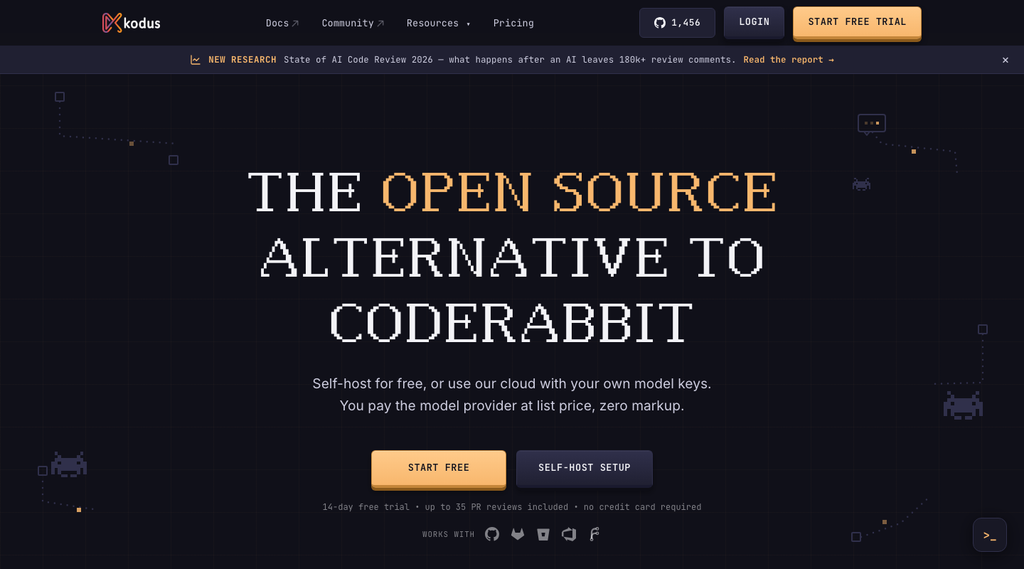
Kodus is an open source AI code review platform built around Kody, its review agent.
It analyzes pull requests to flag bugs, security risks, performance problems, and violations of engineering-specific rules.
One of its main differentiators is giving organizations control over both which problems the tool looks for and how reviews are run.
Kodus supports GitHub, GitLab, Bitbucket, Azure DevOps, and Forgejo, plus cloud and self-hosted options.
| Pros | Cons |
|---|---|
| BYOK: bring your own key for OpenAI, Anthropic, Google, or any OpenAI-compatible endpoint (including a model your own team runs), with no markup on token cost | Kodus auto-generates rules from the repository, but configuring new rules can still take some initial time |
| Self-hosted: code and LLM calls never leave the company’s network, with air-gapped support | |
| Covers GitHub, GitLab, Bitbucket, Azure DevOps, and Forgejo | |
| SSO with per-domain email verification and identity provider attribute mapping, plus SOC 2 certification, on the Enterprise plan | |
| Cockpit: 8+ metrics, spanning standard DORA metrics and Kodus’s own, on the review itself and on delivery | |
| Rules run in two execution modes: per file (reads a single file’s diff) or per PR (reads the title, description, and the full pull request diff) | |
| A rule can reference a file in the same repository or in another repository, to compare the change against an existing template or pattern | |
| Memories: persistent instructions, created through conversation with Kody or added manually, with an approval workflow for AI-suggested ones |
Best for: Kodus fits organizations that need to enforce engineering standards across many repositories while still giving each team flexibility in how they configure it.
It also makes sense for companies that already have an internal AI strategy and don’t want to be limited to the models chosen by the tool’s vendor.
The open source license and the option to self-host matter for organizations that need more control over deployment and infrastructure.
2. CodeRabbit — best for automating the pull request review flow
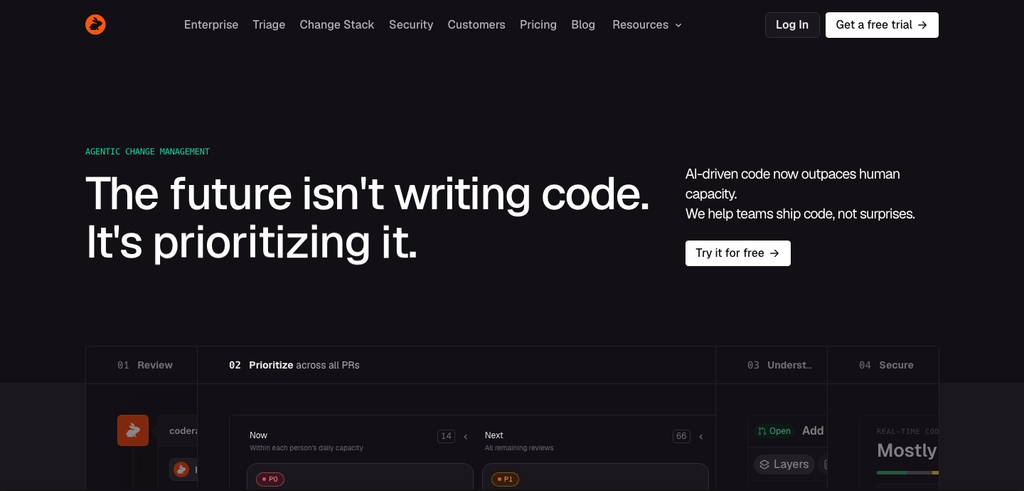
CodeRabbit is an AI code review tool focused on automating reviews directly inside pull requests.
It analyzes code changes, posts inline comments, produces PR summaries, and lets developers chat with it to clarify issues it raises.
Its focus is folding automated review into the development flow, cutting the manual work of inspecting changes and writing feedback.
| Pros | Cons |
|---|---|
| Custom RBAC, SSO, and audit logs on the Enterprise plan | Per-developer price climbs fast across plans: from $24 on Essentials to $72 on Advanced, before even reaching Enterprise |
| API access with usage metrics | Self-hosting and bring-your-own-LLM are restricted to the Enterprise plan, starting at 500 developers |
| Support SLA with a dedicated customer success manager on Enterprise | Linked repositories only work within the same Git provider, so there’s no way to carry context between a repo on GitHub and one on GitLab |
| Slop detection: flags low-quality, AI-generated pull requests | |
| Blast Radius Audit and architecture impact review, showing a PR’s systemic consequences, on the Advanced plan | |
| Continuous security monitoring per repository and PR, with severity, exploitability, and reach, also on Advanced |
Best for: CodeRabbit is a good fit for companies that want to introduce automated review without building a large configuration layer.
Teams with high PR volume who need to cut routine review effort can benefit from its summaries, comments, and conversational interactions.
3. Qodo — best for code quality governance across teams and repositories
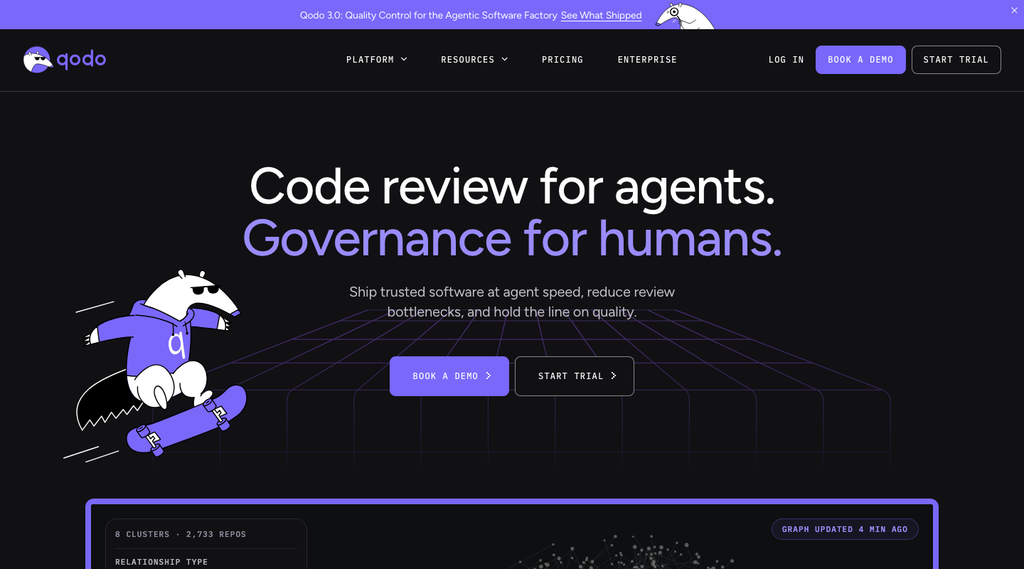
Qodo is an AI code quality platform that combines automated review, repository context, and mechanisms for enforcing engineering standards.
Its scope goes beyond analyzing a single pull request in isolation. The tool draws on codebase information and past decisions to produce feedback that’s more aligned with project conventions.
| Pros | Cons |
|---|---|
| The Rules System measures the effect of each rule after it’s created and suggests adjustments | Credit-based billing means watching consumption closely to avoid monthly overage. The final cost is only clear once PR volume is known |
| Pre-PR review skills: checks that run before the PR is even opened | Enterprise requires a minimum of 30 users, so the full governance package (SSO, audit log, dashboard) isn’t available below that threshold |
Rules can also live in a best_practices.md file, alongside the files teams already keep for coding agents | On-prem and single-tenant SaaS pricing isn’t public. It only comes up in a sales demo |
Best for: Qodo is a relevant option for companies that want to turn engineering knowledge into shared standards.
That’s useful when senior engineers find themselves repeating the same guidance across reviews, or when different teams follow inconsistent conventions.
4. Greptile — best for reviewing complex codebases

Greptile is an AI code review tool that pays close attention to codebase context.
It indexes structures, functions, and relationships across repositories to analyze how a change might affect other parts of the system.
That approach aims to fix a common limitation of diff-only review: the difficulty of catching bugs that depend on code the PR didn’t touch.
| Pros | Cons |
|---|---|
| Custom DPA and a dedicated Slack support channel, on the Enterprise plan | Credit-based cost: Base, Plus, and Apex reviews consume 1, 3, and 10 credits respectively, so deeper reviews cost proportionally more, and that needs to factor into the budget |
Cascading rules through .greptile/ folders, scoped to organization, repository, or directory | Air-gapped deployment isn’t documented, which is exactly the requirement most common in a closed, regulated environment |
| Unlimited repositories on every plan, including the free one | No Azure DevOps support yet; Greptile itself lists it as “coming soon” |
Best for: Greptile makes sense for teams working with large monorepos, shared libraries, or systems with complex dependencies.
5. GitHub Copilot Code Review — best for teams already on GitHub
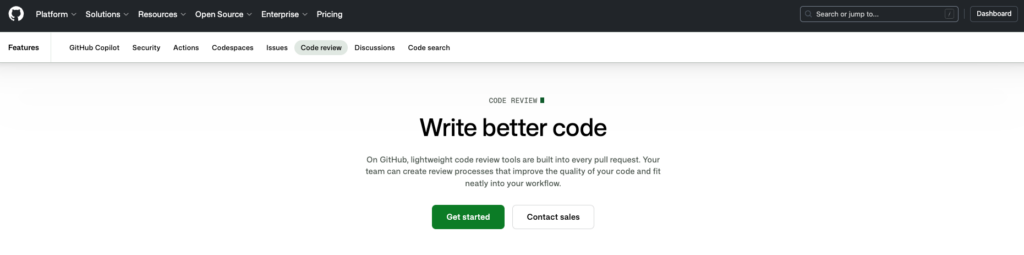
GitHub Copilot Code Review adds AI-powered review directly into the GitHub development flow.
Developers can request a review from Copilot, get comments on the pull request, and look at fix suggestions without installing a dedicated review platform.
For companies already using GitHub and Copilot, that integration can lower the initial adoption effort.
| Pros | Cons |
|---|---|
| Diff review also runs directly in the code editor, in addition to the pull request | It’s the same vendor that generates the code (Copilot) reviewing that same code, not an independent second opinion |
| Integrates with MCP servers and lets you hand off tasks to third-party agents (Claude, Codex) on the same plan | No support for GitLab or Bitbucket |
| No model switching or self-hosting; governance only exists inside GitHub’s own perimeter |
Best for: organizations already on GitHub that want to add AI code review with the least possible friction.
6. SonarQube + Gitar AI Code Review — best for combining static analysis and AI review

SonarQube is known for its static analysis, security, and code quality governance capabilities.
In May 2026, Sonar acquired Gitar, an AI code review platform focused on finding and fixing problems in pull requests.
The acquisition extends Sonar’s strategy of combining deterministic checks with AI-based code analysis and remediation. The two approaches are complementary, but they have different characteristics.
| Pros | Cons |
|---|---|
| Portfolios for a consolidated view across projects | Gitar is a separate product from classic SonarQube. Budget for both together (SonarQube Enterprise plus Gitar), not one combined price |
| Remediation Agent: clears the backlog of old findings at scale, with every fix verified before it reaches a developer | On the Team plan, Gitar Core is billed annually ($20/dev/month, billed yearly), while SonarQube Team is billed monthly. The two products don’t share a billing cycle |
| Hunter Agent: hunts broken access control and business logic flaws | Classic SonarQube charges by lines of code, not by developer. A large monorepo can cost more than the per-seat tools on this list, regardless of team size |
| SonarQube MCP Server, free and open source, to bring the analysis to any MCP-capable agent |
Best for: companies that want to combine code quality, security, quality gates, and AI review.
7. Cursor Bugbot — best for teams using coding agents
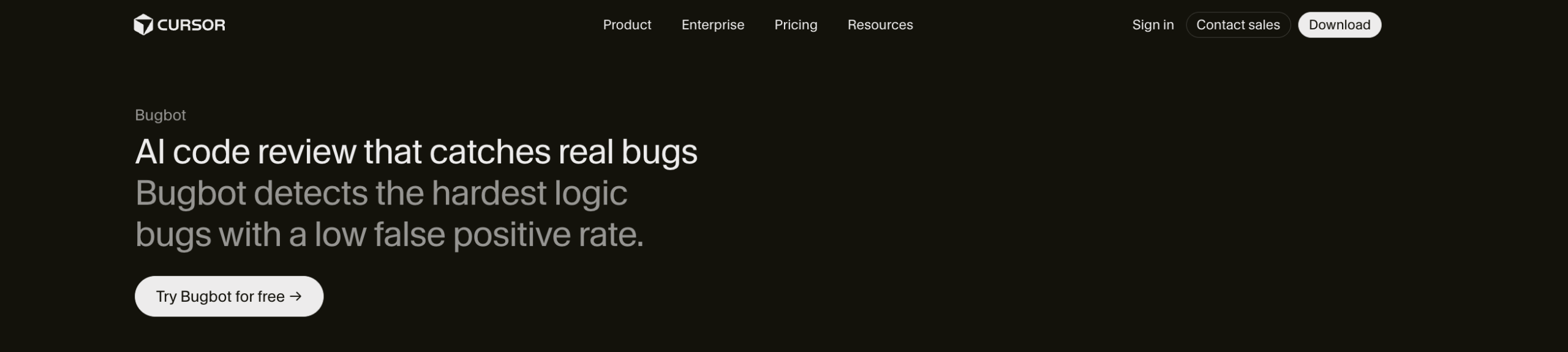
Bugbot runs on its own in the background on every new PR inside the Cursor ecosystem, reading team rules from BUGBOT.md files scattered across directories. Like Copilot, it isn’t sold on its own either: it’s part of the same subscription that already covers the IDE, the agents, and the rest of the Cursor product.
| Pros | Cons |
|---|---|
| SSO/SCIM and SOC 2 Type II already covered by the same Enterprise account the organization uses for the IDE | The same logic as Copilot applies here: Bugbot reviews code that Cursor itself helped generate, inside the same ecosystem |
| Internal marketplace for sharing rules, skills, and plugins across the team | Governance is tied to the Cursor Enterprise subscription as a whole, not to a standalone review product |
| No self-hosting option |
Best for: teams that want to combine automated review, context rules, and bug fixing with AI agents.
8. Cubic — best for automated review and agent-driven fixes

Cubic is an AI code review platform focused on automating review and flagging issues across codebases.
Beyond analyzing pull requests, it offers configurable agents, codebase documentation features, and scans that look for problems outside the immediate PR review flow.
Its focus is extending automation without requiring developers to manually run every check.
| Pros | Cons |
|---|---|
| Auto approvals for low-risk PRs | GitHub only, with no GitHub Enterprise Server, GitLab, or self-managed Bitbucket |
| Private wikis for documenting team conventions | No self-hosting option |
| AI usage tracking with API access | SSO depends entirely on GitHub: a company without SAML set up there doesn’t get that control just by signing up for Cubic |
Best for: companies on GitHub that want to combine AI code review, custom agents, continuous analysis, and automated fixes.
AI Code Review pricing comparison
The cost of an AI code review tool depends on its billing model. Some charge per developer, others use credits, tokens, lines of code, or the number of reviews run.
The table below compares public pricing for all eight tools for a 300-developer organization.
| Tool | Plan used for the estimate | Estimated monthly cost (300 devs) | Caveat |
|---|---|---|---|
| Kodus | Teams, $10/dev + tokens (Gemini Pro, recommended by Kodus’s own calculator) | ~$4,500/month | Enterprise (with SSO/RBAC/audit) is custom quote; token cost varies by model |
| CodeRabbit | Team, $48/dev | $14,400/month | Enterprise with RBAC/SSO/audit is custom quote, with no public seat minimum |
| Qodo | Pro Team, credits at $0.012 each | No fixed public per-developer price | Real cost depends on credit volume consumed; Enterprise (SSO/audit, 30+ users) is custom quote |
| Greptile | Pro, $30/seat | $9,000/month (floor, no extra credits) | Credits beyond the included amount cost $1 each; Enterprise with self-host is custom quote |
| GitHub Copilot Code Review | Enterprise (Copilot), $39/dev | $11,700/month | Price is for the whole Copilot plan: chat, agent, cloud agent, and review all draw from the same credit pool |
| SonarQube + Gitar | Gitar Core (Team), $20/dev | $6,000/month (Gitar only) | Classic SonarQube (SAST) is billed separately, by lines of code, not by developer |
| Cursor Bugbot | Teams (Cursor), $30/user | $9,000/month (floor) | Price is for the whole Cursor subscription (IDE, agents, Bugbot), not a standalone review product |
| Cubic | Team, $40/dev (40k reviewed lines/dev) | $12,000/month | Teams that exceed the reviewed-lines limit need to move to Pro ($99/dev) or Max ($200/dev) |
Which AI Code Review tool fits which enterprise team profile?
| Profile | Best fit | Why |
|---|---|---|
| Companies that need governance, self-hosting, and control over AI models | Kodus | Open source, BYOK, custom rules by organization, repository, and directory, plus support for multiple Git platforms. |
| Teams that want to automate pull request reviews | CodeRabbit | Offers automated reviews, conversational feedback, and integration with development flows. |
| Large organizations that need to standardize code quality across teams | Qodo | Combines contextual review, shared rules, and cross-repository governance features. |
| Teams with large codebases and complex dependencies | Greptile | Uses codebase indexing and context to analyze impact beyond the changed files. |
| Companies already centralized on GitHub | GitHub Copilot Code Review | Integrates AI review directly into GitHub, cutting the need to adopt another platform. |
| Organizations that prioritize security, static analysis, and quality gates | SonarQube + Gitar | Combines SonarQube’s static analysis approach with Gitar’s AI-based review and remediation. |
| Teams using coding agents that want to combine review and bug fixing | Cursor Bugbot | Automates PR review and lets teams use Cursor’s own agents to investigate and fix issues. |
| Teams that want to automate review and fixes with agents | Cubic | Offers automated review, custom agents, codebase scans, and fix generation. |
FAQ
What are the best AI Code Review tools for enterprises?
The main options include Kodus, CodeRabbit, Qodo, Greptile, GitHub Copilot Code Review, SonarQube, Cursor Bugbot, and Cubic. The right choice depends on each organization’s requirements. For companies that need governance, custom rules, self-hosting, and control over AI models, Kodus is a relevant option. CodeRabbit and Cursor Bugbot prioritize review automation, while Qodo and Greptile focus on codebase context.
Which AI Code Review tools offer self-hosted or air-gapped deployment?
Kodus, CodeRabbit, Qodo, and Greptile offer self-hosted deployment options, though availability varies by plan. Kodus stands out for being open source and letting companies run both the tool and the AI models on their own infrastructure, with no need to send code to external services, which fits organizations with strict security, privacy, and compliance requirements. SonarQube also has a self-managed version. Self-hosting alone doesn’t guarantee code stays inside the company network, though. That also depends on where the AI model processes the review.
Can I use my own AI models (BYOK) with code review tools?
Yes. Some AI code review tools let organizations use their own language model credentials, a practice known as Bring Your Own Key (BYOK). Kodus supports multiple providers, including OpenAI, Anthropic, Gemini, and Amazon Bedrock, plus compatible endpoints. It also lets teams configure different models per repository and per agent, with fallback options. That gives companies more control over cost, providers, and inference infrastructure, without being limited to the models the tool’s vendor chooses.
How do you standardize code review rules across different teams and repositories?
The best approach is a tool that lets you define rules shared across the organization and adapt them to each repository’s needs. In Kodus, Kody Rules let you write rules in plain language and apply them at the global, repository, and directory levels. That way, a company can set general security and architecture requirements while each team keeps its own specific conventions. Kody can also suggest new rules from pull request conversations, always with approval before they’re added to reusable team knowledge.
How do you reduce false positives in AI Code Review tools?
Cutting false positives takes a combination of relevant context, well-defined rules, and feedback controls. Tools that only analyze the diff can suggest incorrect changes because they don’t understand architectural decisions or internal conventions. Kodus lets you define custom rules, set a minimum severity for findings, and cap the number of suggestions per review. It also uses rule and repository context to guide the analysis. Even so, how well these settings work should be measured against real pull requests, tracking the ratio of useful to incorrect suggestions.